

What is the Immersive Reader tool?
Immersive Reader opens web content in a simplified reading view that removes distractions and centers the text on the page. It provides built-in reading, language, and comprehension supports through Microsoft’s Immersive Reader integration, helping learners better access and understand digital text.
Within Immersive Reader, users can customize text appearance, adjust reading supports, and apply grammar and language tools based on their individual needs.
How to use the Immersive Reader tool
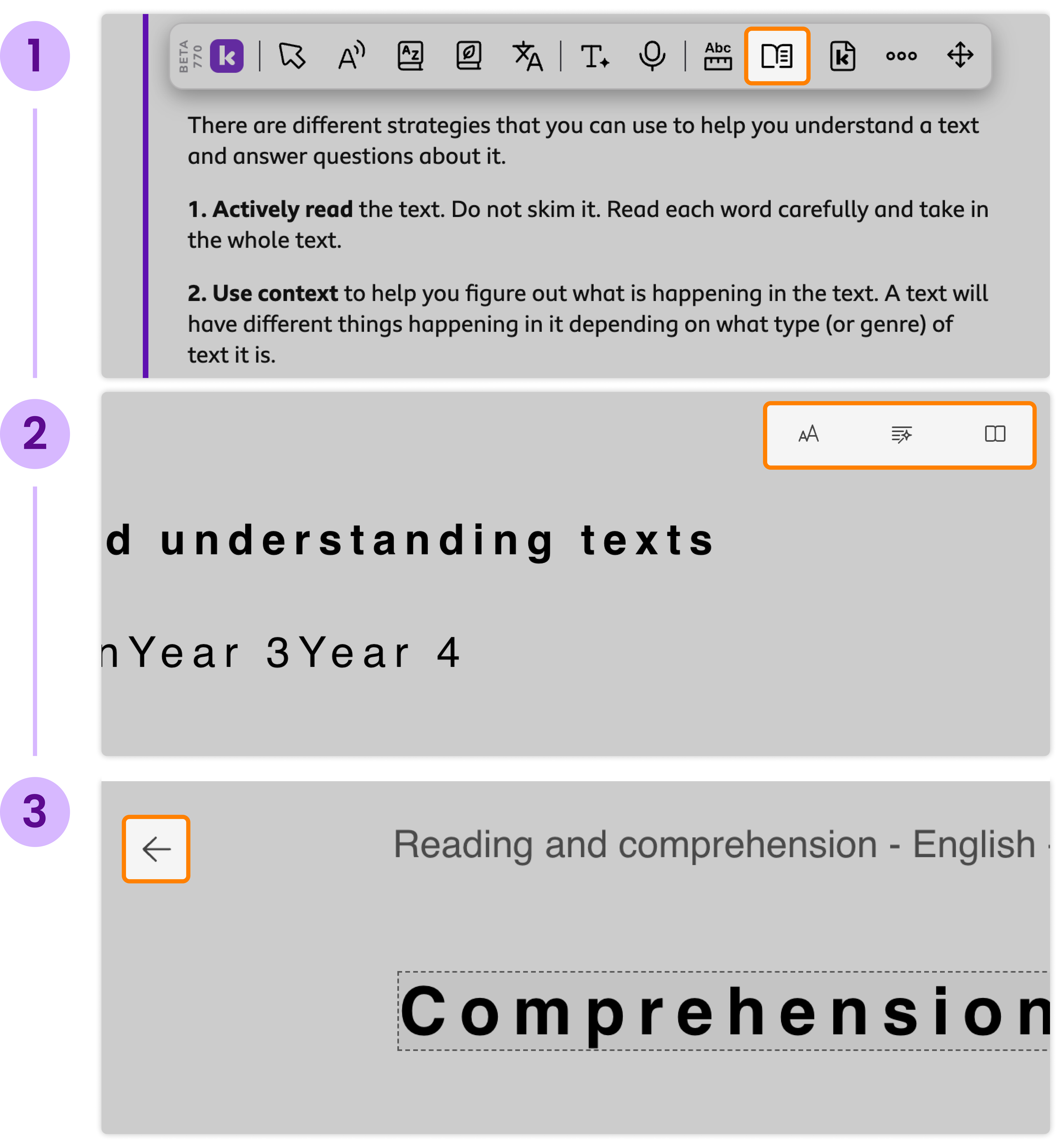
Click the Immersive Reader button in the Companion toolbar to convert the webpage to a focused reading view that displays only the text.
Use the three preference menus at the top right of the reader to personalize the experience:
Text Preferences
Adjust text size and spacing
Change font style
Select background color themes
Grammar Options
Toggle syllable highlighting
Highlight parts of speech, including nouns, verbs, adjectives, and adverbs
Show or hide grammar labels
Reading Preferences
Enable Line Focus to reduce visual overload
Turn on Picture Dictionary for visual word support
Translate text into a selected language by word or document
Click the Back arrow in the top left corner to return to the original webpage view.